


Call center security is the set of people, process and technology controls that stop customer data from being stolen, misused or exposed through your phone, chat and email support. It covers verifying callers, limiting what each agent can see, encrypting calls and recordings, keeping card numbers out of recordings, securing remote agents’ devices and checking your vendors. Contact center security matters because agents handle payment details, addresses and account access every day, and attackers target people as much as systems.
If you run support through a partner, their controls are your controls. Our call center outsourcing page covers how we handle quality and secure, compliant call handling for the brands we support.
Key Takeaways
- Call center security protects customer data, keeps you compliant and protects trust, for consumer brands selling in the US, UK and Australia.
- The biggest threats are social engineering by phone, AI voice impersonation, insider misuse, unpatched software and weak authentication.
- Card payments taken by phone fall under PCI DSS, which forbids storing card security codes after authorization, including in call recordings.
- Cloud and remote contact centers need encrypted connections, managed devices, multi-factor authentication and clear rules for home working.
Why Does Call Center Security Matter?
Your call center handles a lot of sensitive information. Every day, agents pull up customer records, take payment details, verify accounts, change subscriptions, and sometimes deal with health or financial data. Customers expect that information to be protected, and for CX leaders at consumer brands, keeping that trust is part of the job.
If an attacker breaches your systems or talks an agent into resetting an account, your brand faces lost trust, compliance violations and legal exposure, on top of the direct cost. IBM’s Cost of a Data Breach Report 2026 puts the global average cost of a breach at $4.99 million, a 12% increase on the year before and a record high. The same report found a 56% increase in AI-driven attacks, led by AI deepfake impersonation.
Attackers do not only target software. They target people, because a helpful agent under time pressure is often the easiest way in. Security has to go beyond firewalls and antivirus: it means awareness, clear rules, and every agent knowing exactly what to do, and what not to do, with customer data.

Top Threats to Call Center Cybersecurity
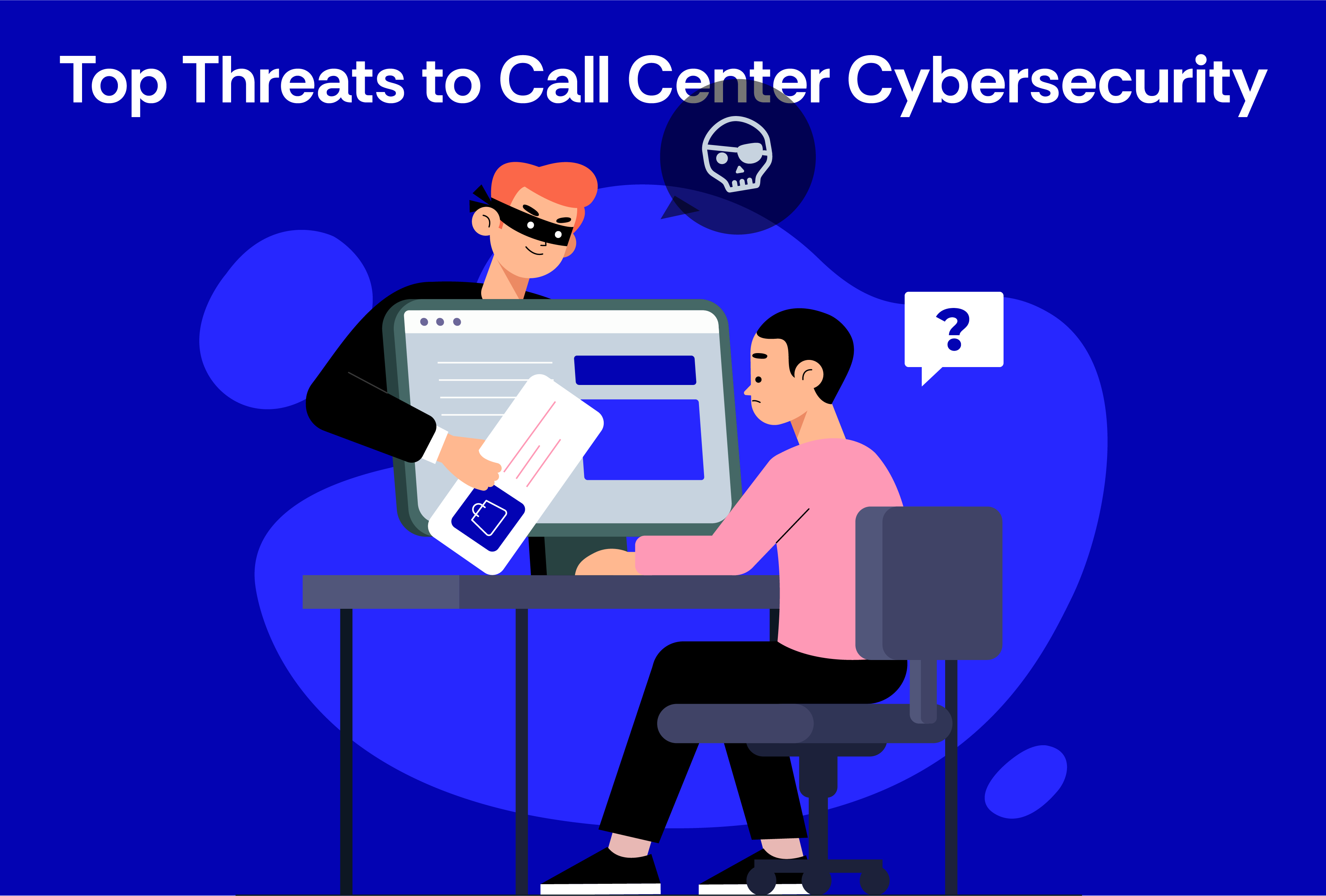
Many call center breaches start with manipulation, human error or a weak spot nobody was watching. These are the threats to plan for.
- Social engineering and vishing. Attackers call pretending to be a customer, a colleague or IT, and ask for an address change, a password reset or a refund. Phishing emails and texts do the same in writing. Verification steps such as one-time passcodes and callbacks are the main defense.
- AI voice cloning and deepfakes. Cloned voices can now pass as a known customer or a manager on a short call. IBM’s 2026 report names deepfake impersonation as the leading driver of AI-driven attacks. A voice alone should never be enough to approve a sensitive change.
- Insider threats. Some risk sits inside the team: an unhappy employee with too much access, or a tired agent cutting corners. Insider risk includes honest mistakes as well as malice. Role-based access control limits what any one person can reach.
- Unsecured remote access. Unencrypted laptops, weak home Wi-Fi, no VPN and no device management make remote and cloud call centers more exposed, especially when agents are spread across locations or a third-party team.
- Outdated or weak software. Old software lacks the patches that close known holes. Verizon’s 2026 Data Breach Investigations Report found 31% of breaches now start with software vulnerabilities.
- Lack of proper authentication. Weak or shared passwords and no multi-factor authentication (MFA) make account takeover easy, both for agent logins and for the customer accounts agents manage.
- Mobile phishing. Verizon’s report also found click rates 40% higher on mobile devices, which matters when agents or supervisors check messages on their phones.
Call Center Security Best Practices You Should Be Using Right Now
When security is built into daily work, protecting data becomes routine. These are the practices to put in place first.

Implement strong identity verification protocols
Before sharing or changing anything sensitive, confirm who you are talking to. This is often the only defense against social engineering. Use:
- One-time passcodes sent to a phone number or email already on the account
- Knowledge checks based on account data, such as a recent order, rather than facts found on social media
- Callbacks to the number on file for high-risk requests, such as email or address changes before a refund
- A rule that no request is approved on voice recognition alone
Write down which requests need which level of verification, so agents do not have to judge it under pressure.
Use role-based access controls
Not everyone needs access to everything. Role-based access control (RBAC) gives each person only what their role needs: a tier-one agent can see order status but not full payment details; a team lead can approve refunds up to a limit. It reduces exposure, simplifies onboarding and makes it easy to remove access when someone leaves.
Encrypt everything
Encrypt data at rest (on servers and devices) and in transit (across calls, chat and email). That covers call recordings, chat transcripts, email attachments, customer records, file transfers and payment information. If data is intercepted, encryption keeps it unreadable.
Keep payment card data out of your call center
Card payments by phone carry their own rules. The PCI Security Standards Council’s guidance on telephone-based payment card data states that sensitive authentication data, including the card security code, must not be stored after authorization, even if encrypted, and that storing it in any digital audio recording that can be queried is prohibited. In practice that means:
- Pause and resume recording while the card is read out, or better, remove it from the agent entirely
- Use a secure payment method, such as keypad (DTMF) entry that masks the tones, or a payment link sent to the customer
- Never write card numbers on paper or type them into tickets, notes or chat
- Keep the payment step out of screen recordings and QA reviews
The simplest way to reduce PCI scope is to design the agent out of the card data altogether.
Keep your systems and software updated
Attackers scan for known vulnerabilities. Turn on automatic updates where possible, give one person ownership of patching, watch vendor security notices, and replace software that is no longer supported.
Train your team
Security is as much about people as technology. Train every agent on spotting phishing and scam calls, verification rules, data handling and how to report a concern. Repeat it when threats change, such as the move to AI voice fraud. Our guide to call center quality assurance covers how to check it sticks.
Monitor and audit everything
Some problems only show up afterwards, so log and review:
- Who accessed which systems, and when
- What changes were made, such as refunds, address edits and account resets
- Unusual activity, such as failed logins, logins from new locations or bulk exports
Review exceptions weekly. A spike in address changes before refunds, for example, is worth a look.
Call center security and compliance: the rules that apply
Which rules apply depends on what your agents handle and where your customers are. For most consumer brands in the US, UK and Australia, the list looks like this:
| Rule | When it applies to a call center | What it asks for |
|---|---|---|
| PCI DSS | Agents take or see card payments | No storage of security codes after authorization, protected card data, restricted access |
| HIPAA | Agents handle health information for a covered entity or business associate | Safeguards for protected health information, access controls, audit logs |
| State privacy laws, such as California’s | You hold personal data on residents of those states | Notice, access and deletion rights, reasonable security |
| UK GDPR | You serve customers in the UK | Lawful processing, security, breach reporting, controls on transfers |
| Australian Privacy Act | You serve customers in Australia and meet its thresholds | Reasonable steps to protect personal information |
For a US business starting from scratch, the FTC’s guide to protecting personal information sets out five principles that map well to a call center: take stock of what you hold, scale down to what you need, lock it, pitch what you no longer need, and plan ahead for an incident.
What Makes a Strong Call Center Security Policy?
A strong security policy is short enough to be used and specific enough to follow. It is part of daily operations, not a document opened only after something goes wrong. It should cover:
- Data handling and sharing. What counts as sensitive, what can be shared and with whom, how data is stored, sent and deleted, and what is never allowed, such as writing down passwords or emailing card numbers.
- Acceptable use of software, systems and devices. Approved tools, what is off-limits, rules for personal devices and remote work, and rules on screen sharing, recording and saving data locally.
- Reporting suspicious activity. Agents should report without hesitation when a caller asks for something odd, an email looks like phishing, a system behaves strangely, or they click the wrong link. No blame for reporting.
- Passwords and authentication. Password standards, MFA on every system, and no shared logins.
- Remote work. Required security software, VPN use, Wi-Fi rules, clean-desk rules for home setups, and who to call if a device is lost or stolen.
- Verification rules. Which requests need which checks, and which need a callback.
- Incident response. Who is told, in what order, how evidence is kept, and when customers and regulators are notified.
- Training and compliance checks. Onboarding training, refreshers when threats or policies change, and periodic reviews.
For how security fits with the wider support setup, read our guide to omnichannel helpdesk strategies.

Don’t Forget Cloud Call Center Security
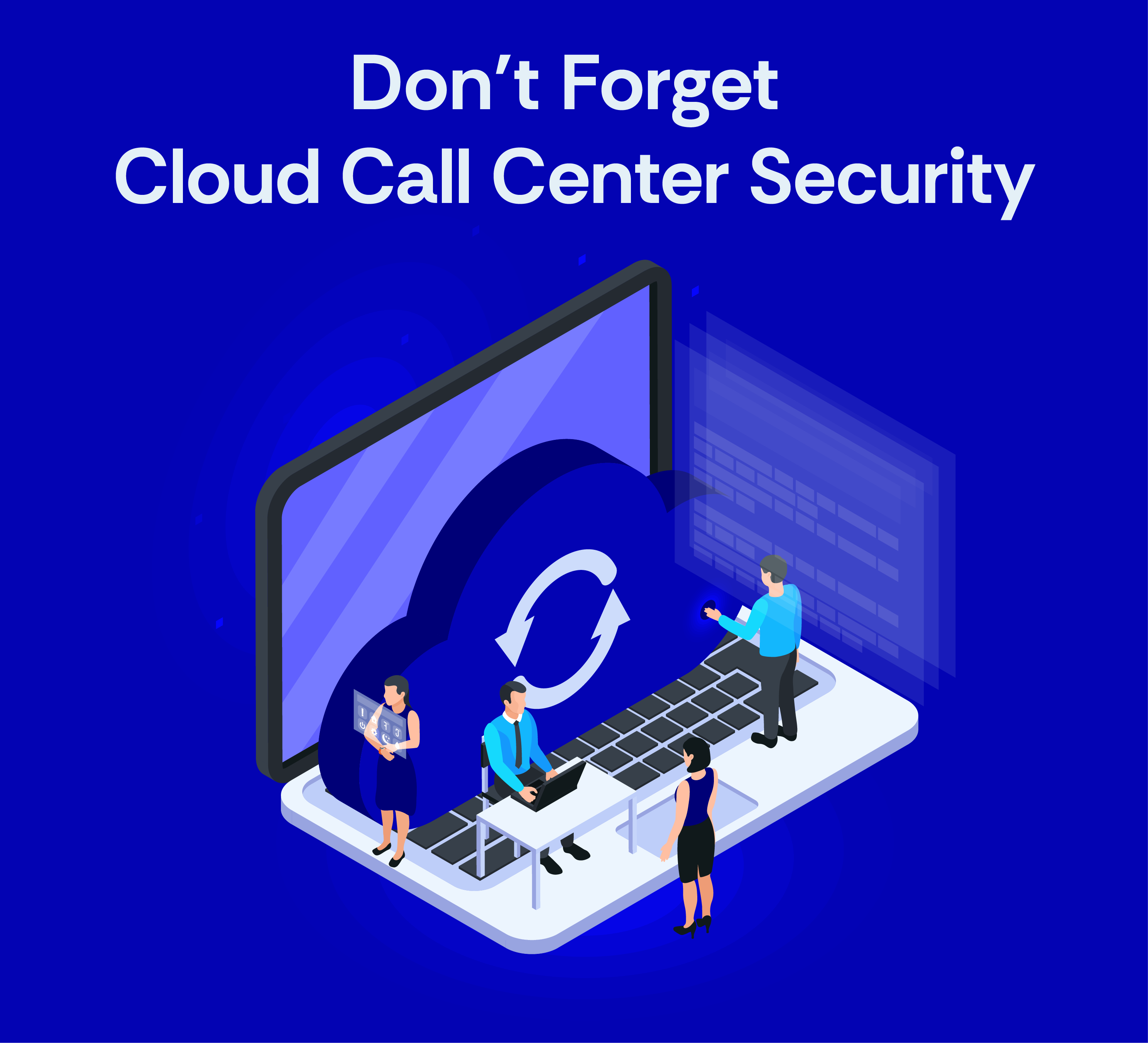
Cloud contact centers are flexible and quick to scale, and they let agents work from anywhere. They also bring their own risks. Three things keep a cloud setup secure.
- Secure your endpoints. Require encrypted devices and strong passwords, run endpoint detection and response (EDR) software, turn on automatic updates, and make sure a lost or stolen device can be wiped remotely.
- Use trusted cloud vendors and check their evidence. Ask for SOC 2 reports, ISO 27001 certification or HIPAA support where relevant, clear security documentation and an uptime record.
- Understand the shared responsibility model. The cloud provider secures the infrastructure. You are still responsible for who has access, how permissions are set, how the system is configured and how your team uses it.
For more on the tools behind modern contact centers, see emerging contact center technologies and trends.
Securing an outsourced call center
Many brands run part of their phone support through a partner. Security does not transfer with the work, so check these before you sign and review them after:
- Compliance support. Ask which frameworks the partner works to, such as SOC 1, ISO, GDPR or PCI DSS, and how it shows you its controls.
- Your tools, your access. The partner’s agents should work in your helpdesk and phone system with accounts you can see and remove.
- Least privilege by role. Agree what each role can see and do, and keep admin rights with your own team.
- Payment handling. Confirm how card data is kept away from agents and recordings.
- Device and site controls. Ask how agent devices are managed, and what rules apply to home working.
- Background checks and training. Ask what checks are done before hiring and how security training is refreshed.
- Incident reporting. Agree how fast the partner must tell you about an incident, and who they tell.
Our explainer on what call center outsourcing is covers how these partnerships are usually structured.
Lock Down Your Call Center Security and Stay Ahead
Call center security is not a checklist done once a year. It is a habit. Attackers change methods, AI makes impersonation cheaper, and new tools and ways of working change your risk. Your controls have to keep up.
Atidiv runs phone, email, chat and social support for consumer brands in the US, UK and Australia, inside the helpdesk our clients already use, with secure infrastructure, encryption and controlled access to customer data. Our customer experience teams work to SOC 1, GDPR, CCPA and ISO standards, hold a 98% average QA score and a 4.8 average CSAT, and cost up to 60% less than an in-house team.
See how it works on our call center outsourcing page, or contact us to talk through your setup.
Frequently asked questions
Why is call center security so important today?
Agents handle payment details, personal data and account access every day, and attackers increasingly target people rather than systems. IBM’s 2026 report puts the average cost of a data breach at $4.99 million, before counting lost trust.
What are the biggest threats to call center security?
Social engineering by phone and AI voice impersonation lead the list, followed by insider misuse and unsecured remote access.
Can agents take card payments over the phone and stay PCI compliant?
Yes, but card security codes must never be stored after authorization, including in recordings. Most brands use pause-and-resume recording, masked keypad entry or payment links so the agent never hears or sees the full card details.
What should be included in a call center security policy?
Rules for data handling, access, caller verification and incident response, with a schedule for training and compliance checks.
How can we secure a cloud-based call center?
Use trusted providers with evidence of their controls, encrypt data, enforce MFA, limit access by role, manage every agent device, and remember that access and configuration remain your responsibility.
How should businesses prepare for call center compliance in 2026?
Map which rules apply to the data your agents handle: PCI DSS for card payments, HIPAA for health information, state privacy laws such as California’s, UK GDPR for UK customers and the Australian Privacy Act for Australian customers. Then check your verification, access, recording and vendor controls against each.

Ayushi leads Customer Experience services at Atidiv with a strategic/operations-focused mindset. Her primary objective is to increase how well businesses deliver service and retain customers. She evaluates customers' journeys through marketing impact, performance metrics, and gaps to develop improved systems and processes. With a reputation for curiosity and structured thought processes.